
Download YTV 4K Player – M3U Player, 4K Streaming, Live TV, Sports Streaming
Overview
YTV 4K Player is a specialized streaming application designed for Android-based devices, including Smart TVs, TV sticks, smartphones, and tablets. It functions as a dedicated M3U playlist player, enabling users to access live TV, movies, and sports content with high-resolution playback. The app is optimized for devices that support 4K and Full HD video output, making it ideal for users seeking a premium viewing experience on their home entertainment systems. By supporting M3U format, YTV 4K Player allows users to import custom or third-party channel lists, offering flexibility in content selection.
The app targets tech-savvy users and streaming enthusiasts who prioritize video quality and ease of access. It is particularly useful for individuals who rely on external streaming sources and prefer a lightweight, focused tool over full-featured streaming platforms. The inclusion of a 7-day free trial provides a risk-free opportunity to evaluate the app’s performance and content availability before committing to a paid subscription. This model supports both casual viewers and dedicated streamers looking for reliable playback without the overhead of complex interfaces.
Although the developer did not provide additional technical details about their background, YTV 4K Player fits within the growing ecosystem of Android-based streaming utilities. It serves as a bridge between raw M3U data and user-friendly playback, filling a niche for users who value control, speed, and visual fidelity in their streaming setup. The app’s focus on minimalism and performance makes it a practical choice for those who want to streamline their entertainment experience.
Key Features & Functionality
- Fast & Efficient Streaming: YTV 4K Player loads M3U playlists instantly, reducing startup delays and minimizing buffering. This ensures uninterrupted playback, especially important during live events like sports matches or breaking news.
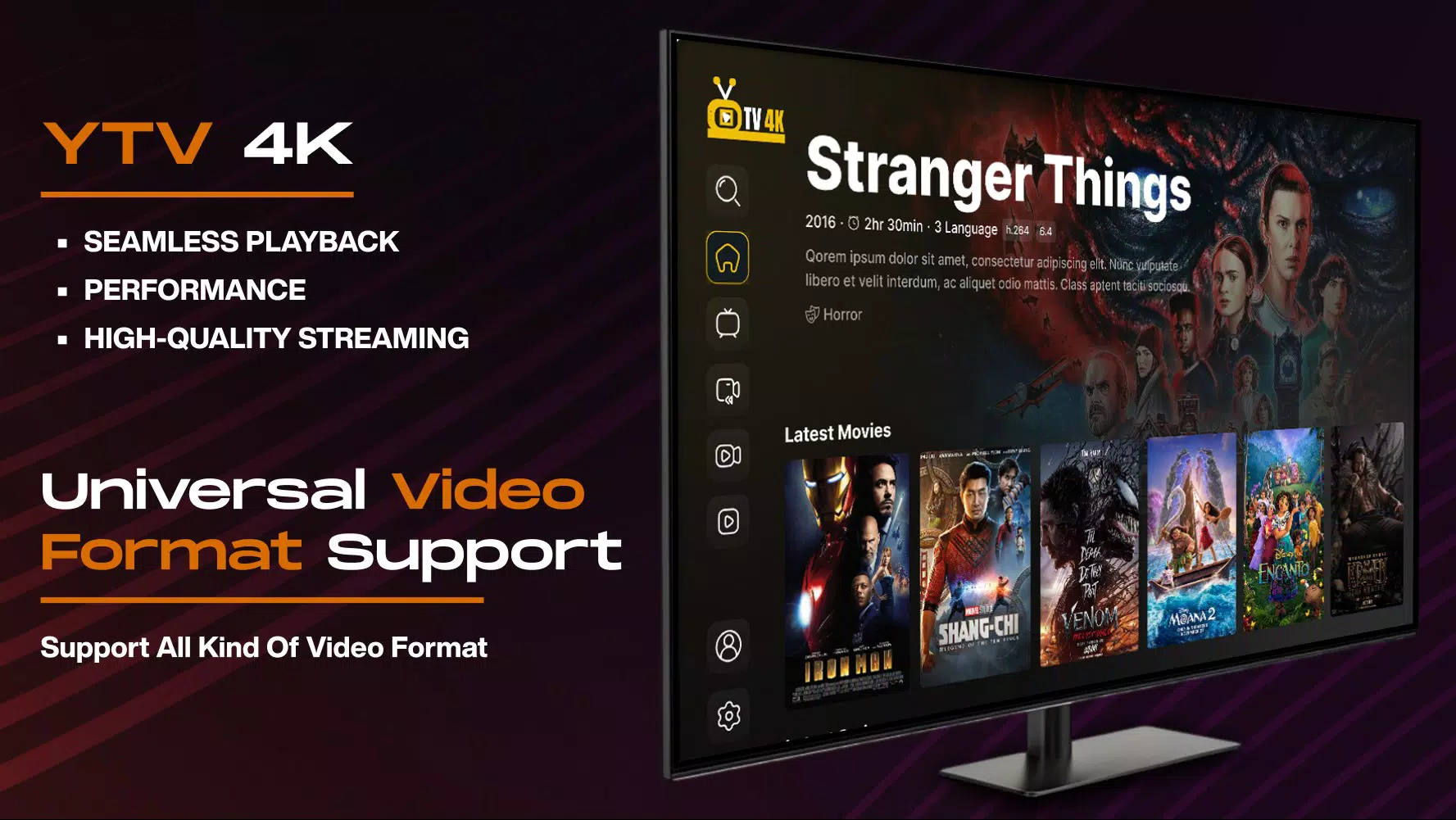
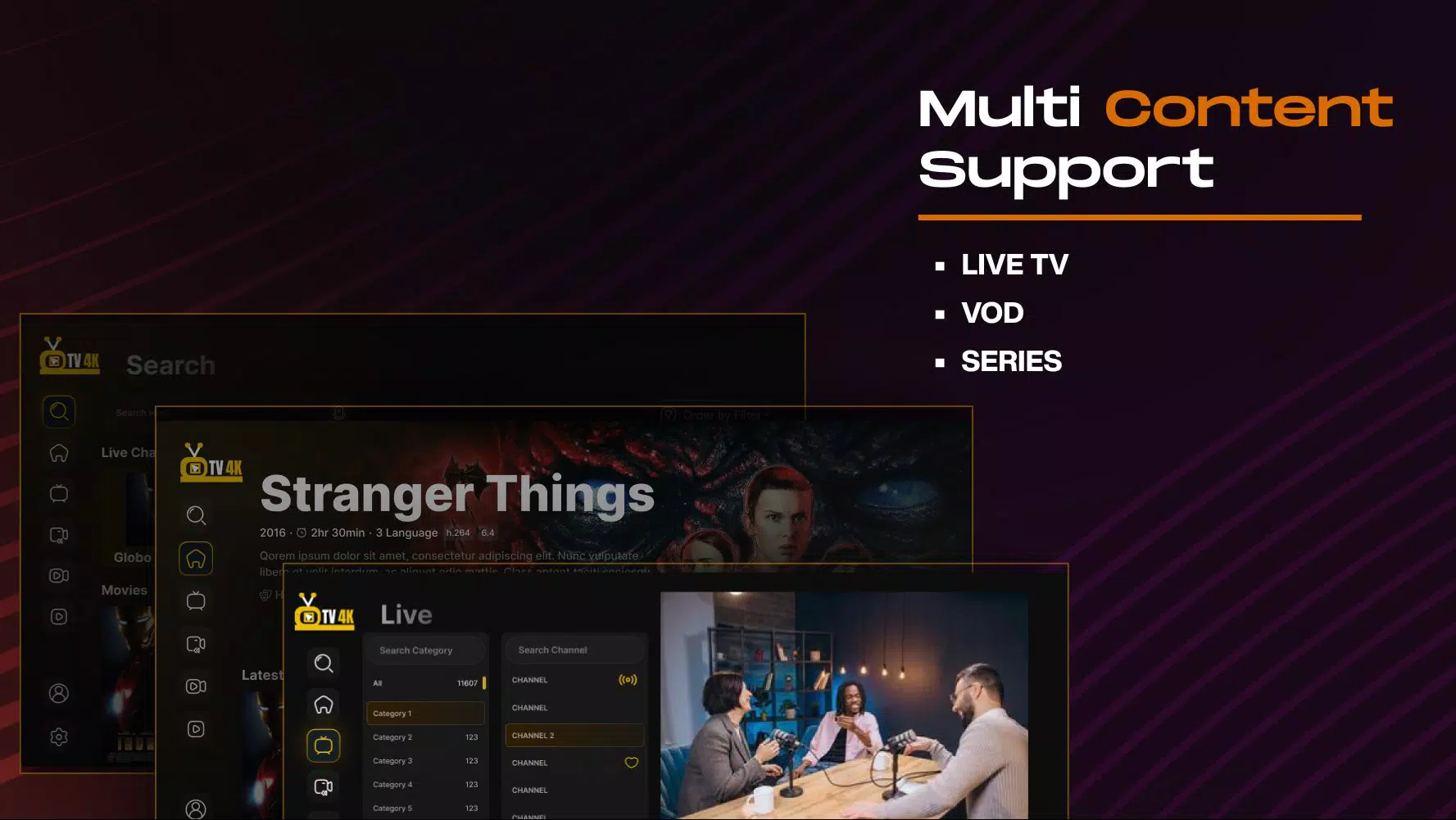
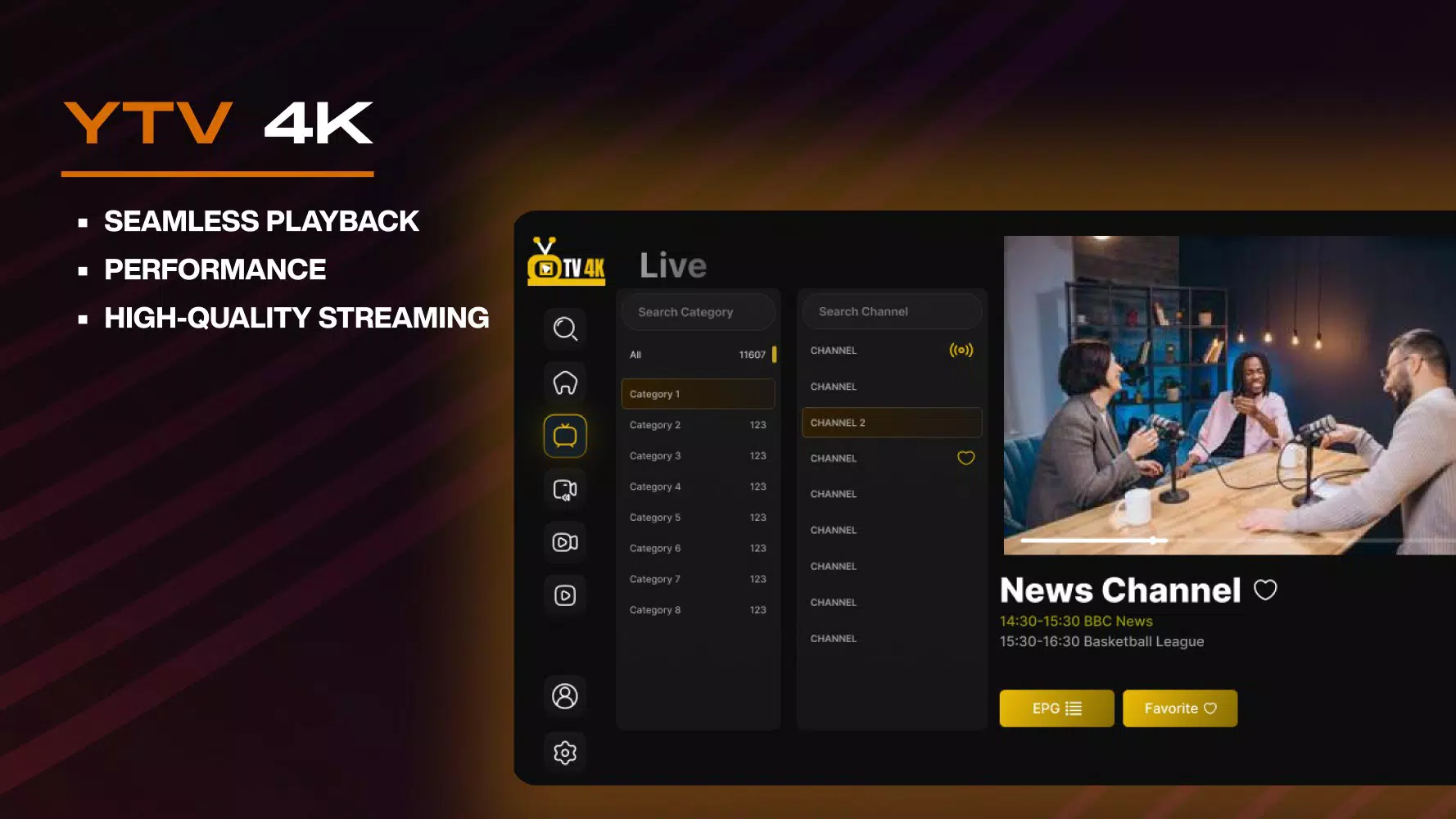
- Simple & Intuitive Interface: The app features a clean layout with straightforward navigation, allowing users to browse channels and content without a steep learning curve. This is particularly beneficial for older users or those less familiar with streaming apps.
- 4K & Full HD Support: The player dynamically adapts to device capabilities, delivering content in 4K or Full HD resolution when available. This enhances visual clarity and immersion, especially on large-screen displays.
- Detailed Movie Info: Users can access metadata such as release dates, cast and crew, trailers, and user ratings. This feature helps in discovering new content and making informed viewing decisions.
- Parental Controls: Built-in restrictions allow users to block specific channels or content types based on age ratings. This feature supports family-friendly environments and gives caregivers greater control over what is viewed.
For example, a user with a Smart TV and a custom M3U list can quickly load their channels, switch between live sports and movies, and access detailed movie information without leaving the app. The 4K playback capability ensures that high-quality content is displayed with minimal compression artifacts. The parental control system can be used to lock adult channels during family viewing hours, ensuring a safe experience for children.
Interface, UX & Performance
The user interface of YTV 4K Player is designed with simplicity and functionality in mind. The layout emphasizes content visibility, with channel lists and playback controls presented in a clear, uncluttered manner. Navigation is linear and consistent, reducing cognitive load and enabling users to find their desired content quickly. The app uses a minimalistic visual style with high-contrast elements, which enhances readability on both small and large screens.
Navigation flow is intuitive, allowing users to move from the main channel list to individual content details and back with minimal taps. The playback interface includes essential controls such as play/pause, volume, and fullscreen, all accessible via on-screen buttons or remote input. Responsiveness is strong across device categories, though specific performance metrics were not disclosed by the developer.
Although the developer did not list formal performance metrics, the app’s focus on fast loading and efficient streaming suggests optimized resource usage. Stability appears to be a priority, as the app maintains playback continuity during transitions between channels and content types. No reports of crashes or freezes were mentioned in the provided materials. The app’s lightweight size of 25.3 MB further supports efficient operation on devices with limited storage and processing power.
Platform Compatibility & Technical Requirements
YTV 4K Player is available exclusively for Android devices. It is compatible with Android Smart TVs, TV sticks, smartphones, and tablets. The app requires Android OS version 5.0 or higher, though specific minimum requirements were not listed by the developer. The file size is 25.3 MB, making it a lightweight download suitable for devices with limited storage space.
Compatibility information was not fully disclosed, so users are advised to ensure their device meets standard Android 5.0+ specifications before installation. The app’s design suggests it is optimized for devices with hardware decoding support for 4K video, but the developer did not specify exact hardware requirements. Users should verify that their device supports M3U playlist playback and 4K resolution output to fully benefit from the app’s capabilities.
Pros and Cons
Pros
- Lightweight design with a small file size of 25.3 MB
- Supports 4K and Full HD playback on compatible devices
- Fast loading of M3U playlists with minimal buffering
- Intuitive interface suitable for users of all experience levels
- Includes parental controls for safer family viewing
- Offers a 7-day free trial before subscription
Cons
- Price of $4.99 may be considered high for a utility app
- Developer did not specify exact OS version or hardware requirements
- No built-in content library—relies entirely on external M3U sources
- Limited information about update frequency or long-term support
- Compatibility with specific TV boxes or Smart TV models was not confirmed
FAQ
Is YTV 4K Player free to download?
Yes, the app is available for download at no cost. However, a 7-day free trial is provided before requiring a subscription to continue access.
Can I use YTV 4K Player on my Smart TV?
Yes, YTV 4K Player is compatible with Android Smart TVs and TV sticks. Ensure your device runs Android 5.0 or higher for optimal performance.
Does YTV 4K Player support 4K streaming?
Yes, the app supports 4K and Full HD playback when the source content and device capabilities allow it.
How do I set up parental controls?
Parental controls can be accessed through the app’s settings menu. Users can restrict access to specific channels or content types based on age ratings.
Is YTV 4K Player safe to install?
As with any third-party app, ensure you download from official sources. The app does not require excessive permissions, and its lightweight nature reduces potential security risks.
Final Thoughts
YTV 4K Player stands out as a focused, high-performance tool for users who demand reliable M3U playback with 4K support. Its clean interface, fast loading, and detailed content information make it a practical choice for streaming enthusiasts and families alike. While the $4.99 price point may deter some users, the 7-day trial offers a fair evaluation period. The app excels in delivering a streamlined experience on Android devices, particularly for those using Smart TVs and TV boxes.
For users seeking a no-frills, high-quality streaming solution with minimal overhead, YTV 4K Player delivers significant value. Its combination of speed, visual fidelity, and safety features positions it as a strong contender in the Android streaming landscape. If you’re looking to enhance your home entertainment setup with smooth 4K playback and smart navigation, this app is worth exploring.
Download YTV 4K Player now


